
Knowledge Base AI Chatbots Benefits, Use Cases, and How to Build

Written By : Shantilal Matariya

Published on : August 27, 2025

10 min read


Customer support has changed a lot in the last decade, and AI-powered knowledge base chatbots are leading the way. These smart tools help businesses give fast, accurate, and personalized answers 24/7, while cutting support costs and reducing the number of support tickets.
Studies show that 67% of customers prefer self-service options instead of talking to a support agent. Companies using AI chatbots can see up to a 70% drop in support tickets. By using your company’s knowledge base, these chatbots turn FAQ pages into interactive tools that solve problems faster.
No more long waits—customers get instant answers, and your team can focus on harder issues. Whether you’re a startup trying to grow or a large business improving customer experience, AI chatbots make support smoother and more efficient.
In this blog on Knowledge Base AI Chatbots Benefits, Use Cases and How to Build, we’ll explore why they’re becoming a must-have for businesses of all sizes.
What is a Knowledge Base AI Chatbot?
A knowledge base AI chatbot is a smart system that connects directly to your company’s support documents, FAQs, and other resources. Unlike basic chatbots, this AI chatbot uses natural language processing (NLP) to understand questions and provide accurate answers.
Think of it as a customer service agent that’s always available, never forgets anything, and can instantly find the right information. Over time, it learns from interactions to provide even better responses.
These chatbots stand out for their ability to understand complex questions and respond in a personal, human-like way. They go beyond keywords to understand the question’s meaning and deliver detailed, tailored answers.
By connecting directly to your knowledge base, the AI chatbot makes your existing resources easy to access and use, giving your customers quick, helpful answers and improving their overall experience.
Key Benefits of Knowledge Base AI Chatbots
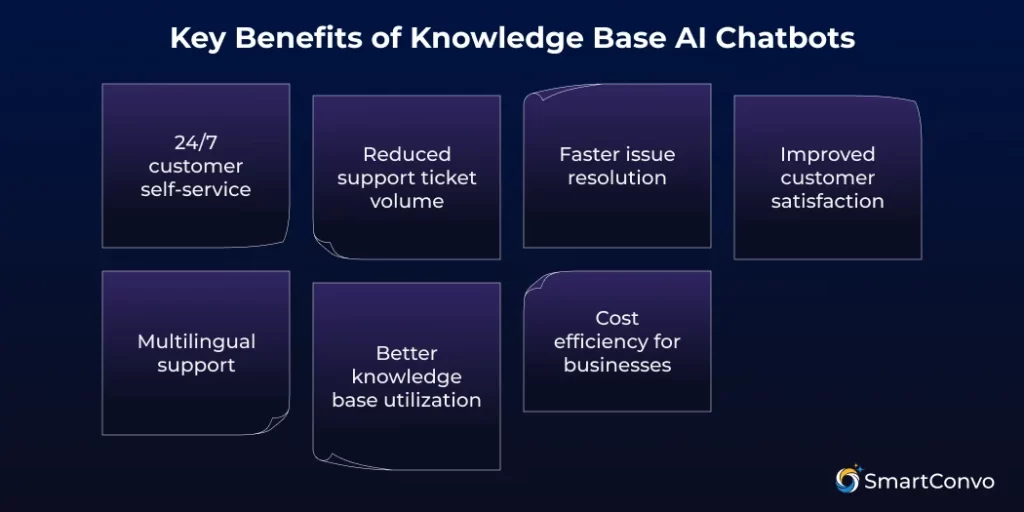
24/7 Customer Self-Service
The biggest benefit of a knowledge base AI chatbot is 24/7 customer support. Customers get answers anytime, even late at night or on holidays. This is especially useful for businesses with customers across time zones. A customer in Tokyo gets the same support as one in New York, keeping your service consistent and always available.
Reduced Support Ticket Volume
An AI chatbot for your knowledge base can reduce support tickets by up to 80% by automatically answering customer questions. This frees your support team to handle complex issues, leading to less stress, faster responses, and smoother operations. Many companies save thousands of support hours within months of using AI.
Faster Issue Resolution
Speed is key in customer support, and AI chatbots deliver instant answers. Unlike human agents, chatbots quickly access your knowledge base and process large amounts of data to provide clear, accurate answers. The result? Faster solutions and happier customers.
Improved Customer Satisfaction
When customers get quick, accurate answers, they’re happier. AI-powered instant support creates great experiences and builds loyalty. Customers who use self-service tools are more likely to buy again and recommend your business. An AI chatbot improves service while keeping a human touch.
Multilingual Support
Modern AI chatbots for knowledge bases support multiple languages, helping international customers get assistance easily. They enable businesses to enter new markets and ensure language isn’t a barrier. These chatbots don’t just translate—they adapt to cultural differences to better serve diverse regions.
Better Knowledge Base Utilization
Businesses put time into creating knowledge bases, but customers often struggle to find what they need. An AI Chatbot With Knowledge Base integration acts as a smart guide, improving resource accessibility and identifying content gaps. It also tracks unanswered questions, helping you identify gaps and improve your documentation to better serve customers.
Cost Efficiency for Businesses
A knowledge base AI chatbot saves money by automating routine support tasks, reducing the need for large customer service teams. Though there’s an upfront cost, it often pays for itself within months by cutting costs and improving efficiency. As your business grows, it can handle more support without extra staff.
Top Use Cases of Knowledge Base AI Chatbots
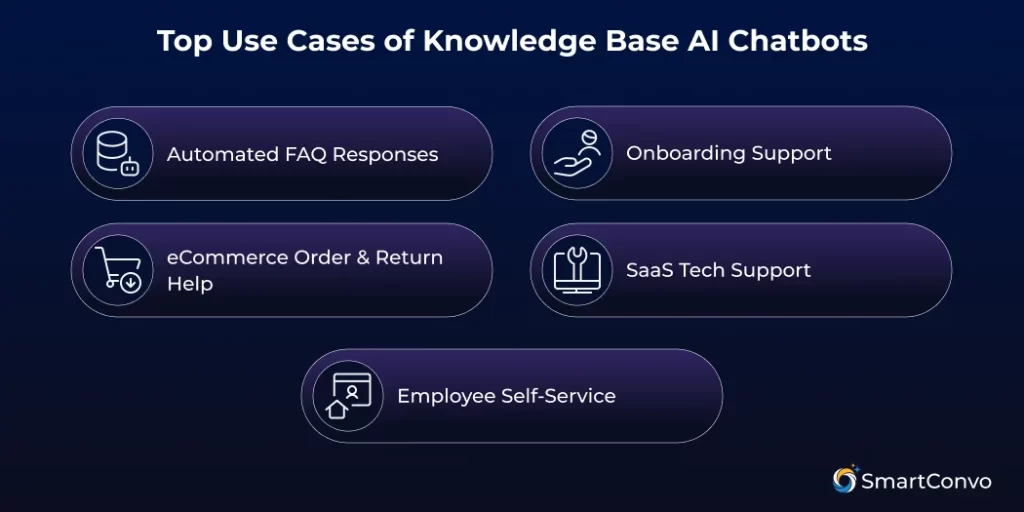
Automated FAQ Responses
AI chatbots are great for answering frequently asked questions. They provide quick and consistent answers about products, services, or policies.
Unlike regular FAQ pages, where you have to search through a list of questions, chatbots let you ask questions in your own words. They give clear, personalized answers, making it easier and faster to get the information you need.
Onboarding Support
New customers often need help getting started with your product or service. An AI chatbot can guide them through setup, explain key features, and answer their questions.
This automated support ensures customers get the information they need while your team focuses on more complex tasks. The result? A smoother experience, less confusion, and higher product adoption.
eCommerce Order & Return Help
AI chatbots help online retailers with tasks like tracking orders, handling returns, and sharing product details or sizing guides. They provide quick support, which customers expect.
By connecting to order systems, chatbots offer real-time updates and personalized help based on past purchases, making shopping easier and more enjoyable.
SaaS Tech Support
SaaS companies can benefit a lot from using AI chatbots for technical support. These chatbots can help users troubleshoot problems, explain how features work, and provide setup instructions.
Fast support keeps customers happy and loyal. AI chatbots handle basic questions and send complex issues to human experts. Platforms like SmartConvo combine AI with easy integration to help SaaS businesses provide scalable support.
Employee Self-Service
AI chatbots can be very useful inside a company. HR teams can use them to answer employee questions about policies, benefits, and procedures. IT teams can use them to provide quick help with technical issues and software problems.
These self-service chatbots save time for support teams and help employees get the answers they need faster, making the whole business run more smoothly.
How to Build a Knowledge Base AI Chatbot
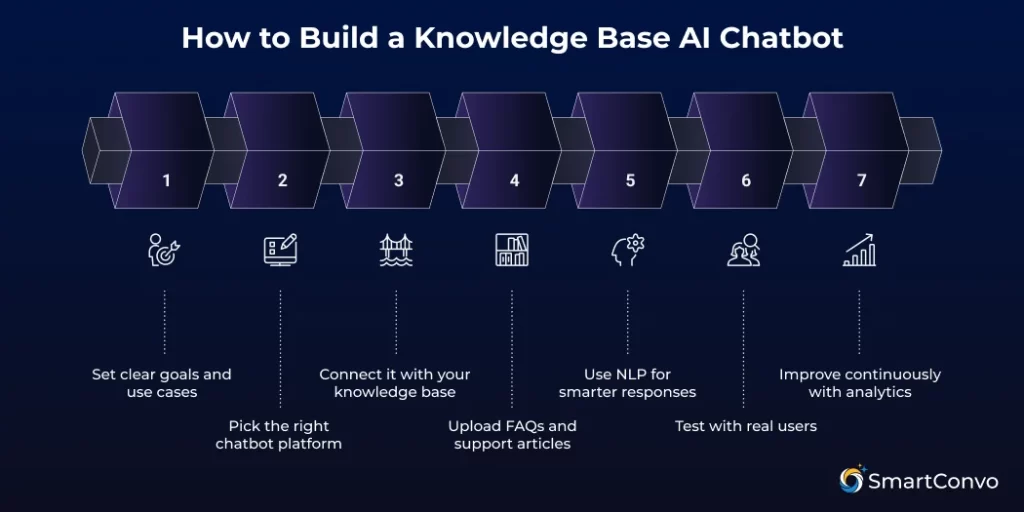
If you’re wondering how to build an AI chatbot with a custom knowledge base, the process is simpler than you think. By following these steps, you can create a chatbot that delivers instant, accurate answers.
Step 1: Set Clear Goals and Use Cases
Before building your chatbot, decide what you want it to do. Review your customer support data to identify common questions and issues. Set clear goals, like reducing support tickets, improving response times, or boosting customer satisfaction. These goals will guide your decisions and measure success.
Think about who will use your chatbot. Some users want detailed answers, while others prefer quick, simple responses. Understanding your audience will help create a better experience.
Step 2: Pick the Right Chatbot Platform
Choosing the right platform is key to your chatbot’s success. Look for strong natural language processing, easy system integration, and scalability as your business grows. Platforms like SmartConvo combine AI with knowledge base integration. Prioritize features like multi-language support, analytics, and brand customization.
Make sure the platform is easy to use for both your customers and your team. Your team should be able to update and manage the chatbot without needing advanced technical skills.
Step 3: Connect It With Your Knowledge Base
Connecting your AI chatbot to your knowledge base is essential for better performance. This allows it to use your documents, FAQs, and support materials to provide accurate answers.
Most platforms offer simple connection options like APIs, database access, or file uploads. Choose what fits your setup. Before connecting, make sure your knowledge base is organized and up-to-date to help the chatbot respond more effectively.
Set up automatic updates to keep the chatbot in sync with content changes, ensuring customers always get the latest information.
Step 4: Upload FAQs and Support Articles
Upload your FAQ content and support articles to train your AI system. Use tags and categories to help the AI know when to use the information.
Make sure your content is clear and well-written. AI chatbots perform best with accurate, easy-to-read materials that directly answer customer questions. Update outdated or unclear content before uploading.
Cover all key topics your customers might ask. Fill in any gaps by creating new materials so your chatbot can handle a wide range of questions.
Step 5: Use NLP for Smarter Responses
Natural language processing (NLP) makes your chatbot smarter, turning it into a true conversational partner. With NLP, your chatbot can understand context, interpret meaning, and provide natural, helpful responses.
Train your NLP to recognize different ways customers ask the same question, including synonyms, slang, and customer-specific terms.
You can also add sentiment analysis so your chatbot detects frustration or when extra help is needed, adjusting its tone or escalating to a human agent as necessary.
Step 6: Test With Real Users
Before launching your chatbot, test it with a small group of real users. This helps identify issues with its responses or unhelpful areas. Create test scenarios with common and unusual customer questions. Track performance and note where fixes or more training are needed.
Gather feedback from test users. Pay attention to both successful interactions and moments of frustration or confusion.
Step 7: Improve Continuously With Analytics
Launch your chatbot with tools to track its performance and improve it. Monitor how often it solves problems, user satisfaction, and the questions it struggles with. Let customers rate their chatbot experience and share feedback—this is key to improving and meeting their needs.
Review conversations regularly to identify common issues. If certain questions often need a human, it might mean your AI or knowledge base needs an update.
The Future of Knowledge Base AI Chatbots
AI chatbots for knowledge bases are improving fast, making customer support easier and more effective. New language models and better natural language processing help chatbots handle more complex questions in a natural, conversational way.
With technologies like voice recognition and visual AI, customers may soon be able to simply speak their questions or show pictures of problems to get instant help.
Chatbots are also connected with tools like CRM systems, inventory management, and analytics, allowing them to offer more personalized and useful support.
Thanks to machine learning, chatbots can learn from every interaction and get better over time without needing updates. This means they’ll become more accurate and helpful, even matching or surpassing human support in some cases.
Conclusion
Chatbots are super versatile, and Knowledge Base AI Chatbots are one of the best tools to improve customer support. In this blog, we’ve covered their benefits, real-life examples, and a simple guide to building one for your business.
For companies that want to deliver consistent, accurate, and reliable customer experiences, knowledge base chatbots are a great first step. They help reduce support tickets and give customers instant answers, making interactions quicker and easier across all channels.
Now’s the perfect time to explore how a Knowledge Base AI Chatbot works, its benefits, and how to create one. Whether you use SmartConvo or another platform, these tools can transform your AI Chatbot for Customer Support strategy and help your business stand out.
Frequently Asked Questions (FAQ)
It’s an AI chatbot that uses your FAQs and documentation to give instant answers.
They cut support tickets, save costs, and provide 24/7 self-service.
They handle FAQs, troubleshooting, onboarding, eCommerce, and HR support.
Yes, NLP helps them understand intent and give contextual replies.
Yes, they integrate with knowledge bases, CRMs, and ticketing systems.

With 8+ years of experience as a software engineer in the IT field, an Elite in Back-end development, DevOps, and Project & Team Management. Read more